Quick to add
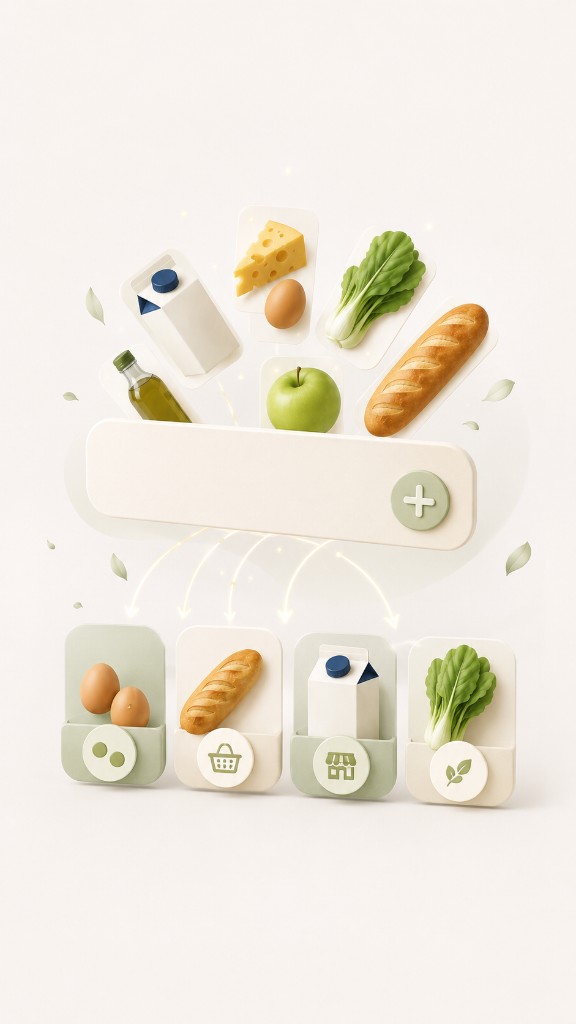
Type naturally — quantities, stores, and categories are detected for you. No rigid fields or formatting rules.
Add items naturally, organize by store or category, and share in seconds — without clutter or complicated setup.
Why it feels easy
Simple by design — not another complicated productivity app.
Type naturally — quantities, stores, and categories are detected for you. No rigid fields or formatting rules.
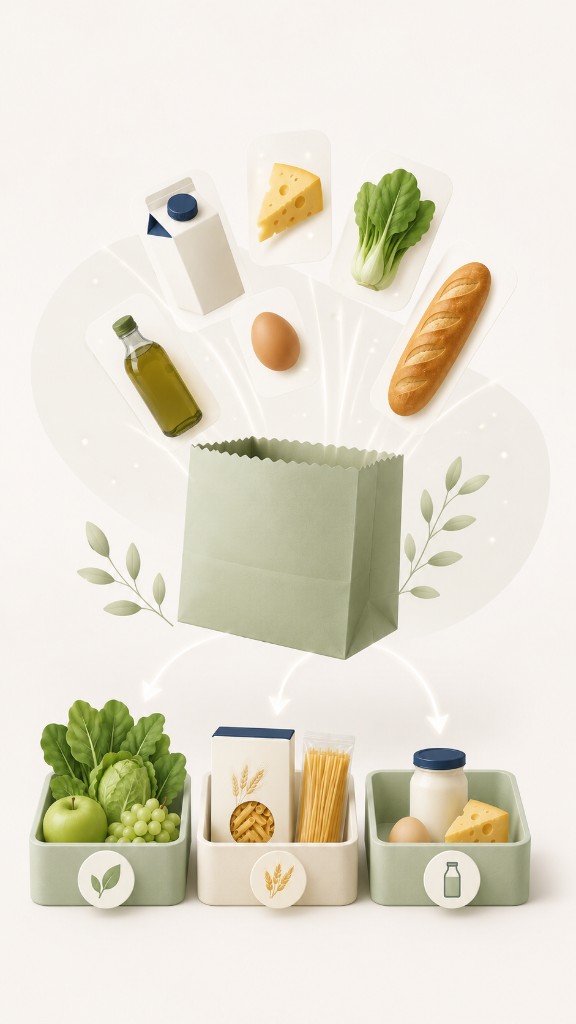
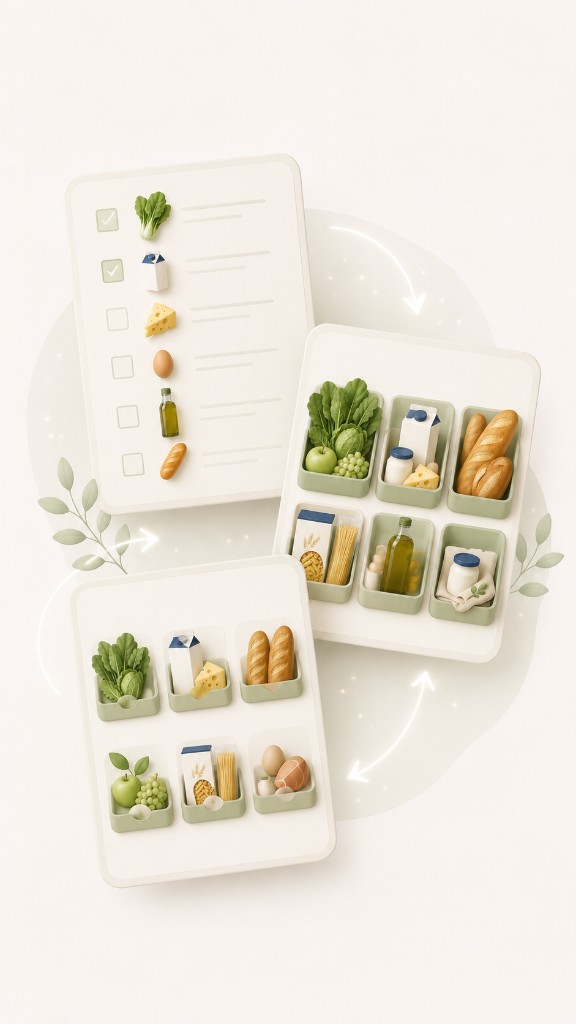
View by list, store, or category. Switch views anytime without reorganizing anything.
Share with a QR code or text. The other person imports their own copy — no account needed.
Everyday shopping
Plan your weekly list
Shop by store
Browse by category
Track what you picked up
Reorder categories for your route
Share with family or roommates
How it works
From empty list to checked-off cart in minutes.
Start in seconds. No sign-up, no onboarding forms.
Sort by store or category. The app keeps everything tidy as you add.
Check things off while you shop, or send the list to someone else in a tap.
See it in action
The same thoughtful experience from first launch through every trip.
Type “2 eggs from Walmart” and the app detects the item, quantity, category, and store — so you focus on what you need, not formatting.
Try “2 eggs from Walmart”
Will add: 2 Eggs · Dairy · Walmart
To Get (2)

Switch between list, store, and category views without reorganizing anything. Shop the way that fits your trip.
To Get (3)
See what to buy from each store.


Browse your list by grocery aisle or item type.
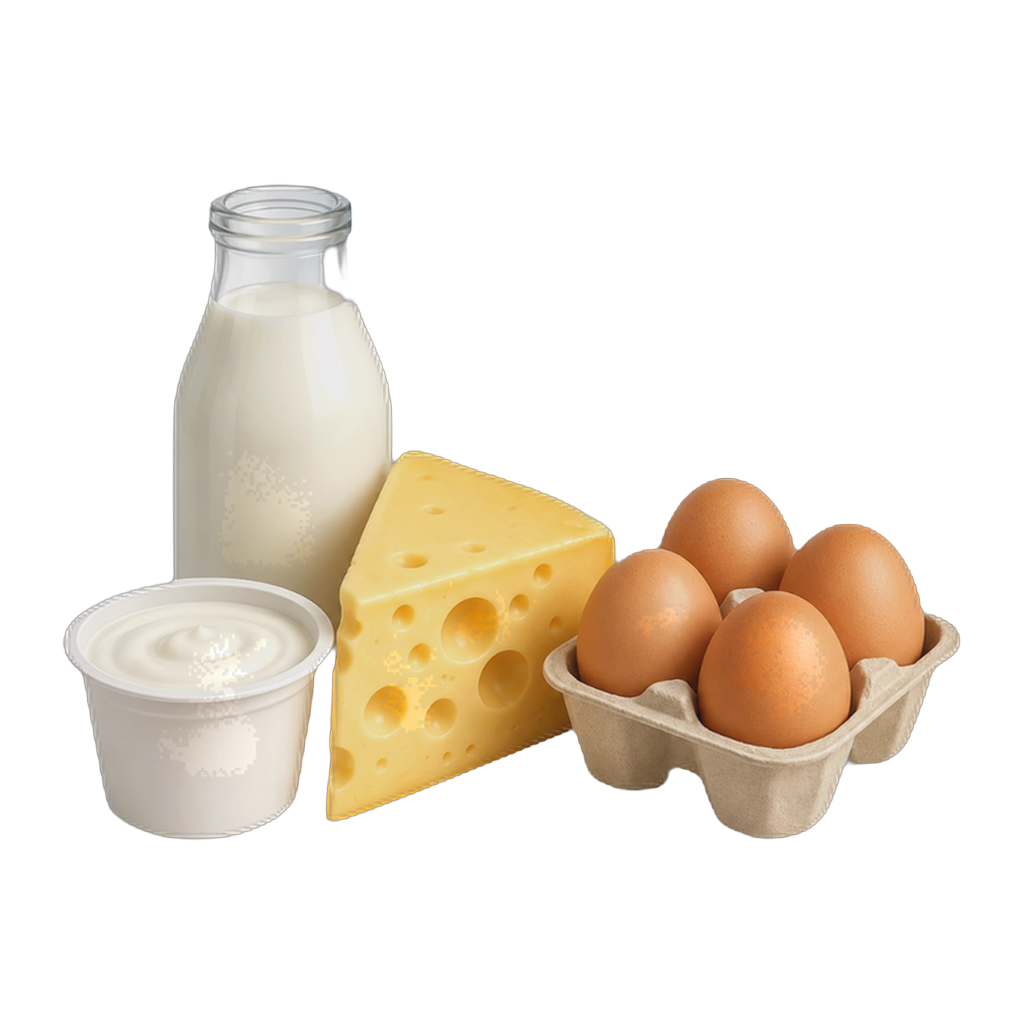
Send lists to family or import them back. Works offline — each person gets their own copy on their device.
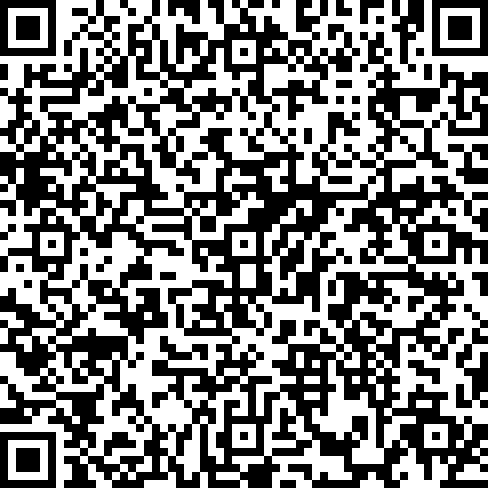
No account required. Your grocery lists stay on your device. Shared lists are only sent when you choose — and the recipient gets their own copy.
Read our privacy policy →Download Grocery List on the App Store.